FPS Calculator
Our FPS Calculator instantly analyzes your system to detect performance mismatches and estimate frame rates for your favorite games. In just seconds, you'll see how well your CPU and GPU work together for specific games, with accurate insights to optimize your setup for the best gaming experience.
Table of Contents
Many users struggle with low FPS, stuttering, or slow performance, even on high-end PCs. Often, this is not because your hardware is weak, but because your CPU and GPU aren't properly balanced. Our PC Bottleneck Calculator quickly evaluates your system and identifies which component is limiting performance, so you can address the issue without spending on unnecessary upgrades.
In just seconds, you'll get a clear picture of how your CPU and GPU interact, along with actionable recommendations to optimize your setup. Whether you're gaming, editing videos, or streaming, this tool helps you make smarter upgrade decisions, maximize performance, and enjoy a smoother, more reliable PC experience. Simply enter your specs and let the calculator provide fast, accurate, and free guidance tailored to your system.
What Is the FPS Calculator?
This tool gives you an instant, data-driven estimate of how many frames per second your system can run in any game. Enter your CPU, GPU, RAM, and target game — and the calculator does the rest.
Whether you're wondering can my PC run this game at ultra settings, or you just want a quick fps estimator before purchasing a new release, this tool cuts through the guesswork. No downloads. No registration. Just real answers about your gaming performance in seconds.
It works as a full game fps calculator — not just a yes/no compatibility checker. You get an actual frame rate estimate so you know whether you're heading into 30fps territory, a smooth 60fps experience, or a buttery 144fps high-refresh setup.
Why Frame Rate Actually Matters
Frame rate isn't just a number for enthusiasts to argue about. It directly shapes how a game feels to play.
At 30fps, motion can feel sluggish, and fast-twitch games like shooters or racing titles become noticeably harder to control. At 60fps, gameplay feels fluid and responsive. Competitive players often push for 144fps or higher because the reduced input lag gives them a measurable edge.
Knowing your expected fps before you launch a game helps you set realistic graphics settings, avoid frustrating stutters, and get the most out of your hardware. That's exactly what this gaming pc fps calculator is designed to deliver.
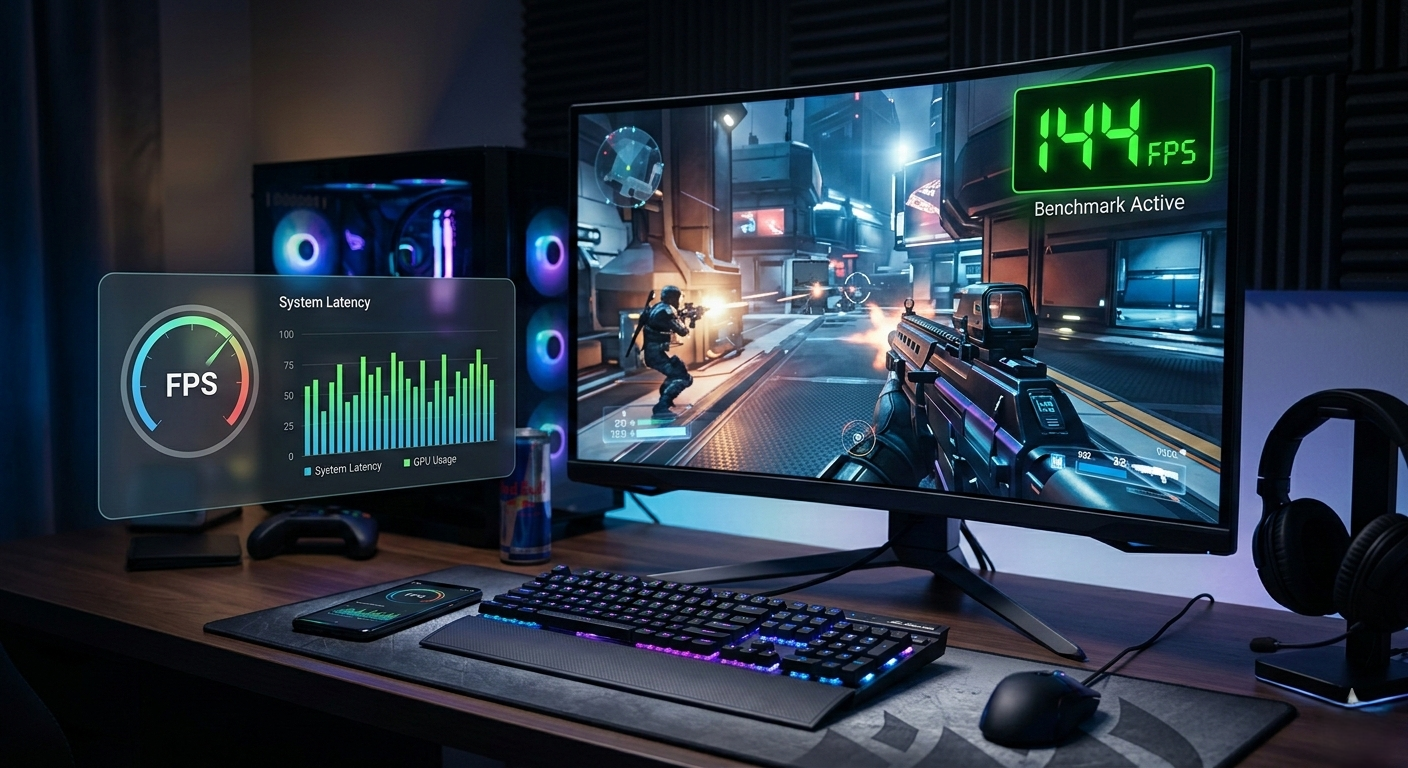
How the FPS Calculator Works
The tool uses a combination of hardware benchmarking data, game-specific performance profiles, and real-world testing results to generate your fps estimate. Here's what it evaluates:
GPU Performance
Your graphics card is the single biggest factor in gaming frame rate. The calculator references performance data across hundreds of GPUs — from entry-level cards to flagship models — to estimate how your specific GPU handles a game's rendering demands at your chosen resolution and quality settings.
Modern games vary wildly in how GPU-intensive they are. An open-world title with ray tracing enabled will hammer your GPU far harder than a competitive multiplayer game optimized for high frame rates. The tool accounts for this variation using per-game performance profiling.
CPU Bottleneck Detection
A powerful GPU paired with an aging CPU can still result in disappointing frame rates. This is called a CPU bottleneck — and it's one of the most common causes of unexpectedly low fps that players run into.
The calculator evaluates your CPU's gaming performance tier and flags situations where your processor may be limiting your GPU's output. If you've ever searched why is my fps low with a good GPU, a CPU bottleneck is often the answer — and this tool helps you spot it before it surprises you.
RAM Speed and Capacity
RAM plays a supporting role that most people underestimate. Insufficient RAM forces your system to rely on slower storage, which can cause stuttering and frame time spikes even when average fps looks acceptable. RAM speed also matters for CPU-intensive titles where memory bandwidth affects how fast data moves between your processor and system memory.
The fps predictor factors in both your RAM amount and speed, giving you a more accurate picture than tools that ignore this variable entirely.
Resolution and Graphics Settings
Running a game at 1080p low versus 4K ultra can mean the difference between 120fps and 18fps on the same hardware. The calculator lets you specify your target resolution and quality preset so the estimate reflects how you actually plan to play — not some generic average.
Can My PC Run It? Stop Guessing.
Most people search something like can my computer run this game and end up on a page that just shows minimum and recommended specs with no real context. That's not helpful if you don't know how to interpret what those specs mean for your actual hardware.
This tool goes further. Instead of just checking will my pc run it with a pass/fail result, it tells you how well your PC will run it. There's a massive difference between technically meeting minimum requirements and actually enjoying the game at a playable frame rate.
If your system lands below 30fps on the estimate, you'll know to either lower your settings or consider an upgrade before spending money. If you're sitting comfortably above 60fps, you can confidently purchase and dive in.
Game compatibility testing shouldn't end at "yes it will launch." Performance matters, and this tool treats it that way.
Understanding Your Results
When you run a pc game benchmark through this calculator, your result will fall into one of several performance tiers:
- Below 30fps — The game will likely feel unplayable or very rough at your chosen settings. Try lowering resolution or switching to a lower quality preset.
- 30–45fps — Playable for slower-paced games, but competitive or action-heavy titles may feel sluggish. Consider dropping one or two graphics options.
- 45–60fps — A solid experience for most players and most game genres. You're in a comfortable zone.
- 60–100fps — Smooth, responsive gaming. Most players in this range are very satisfied with their experience.
- 100fps and above — You're getting the most out of high-refresh-rate monitors and competitive play. If you're running a 144Hz or 165Hz display, this is where you want to be.
Understanding these tiers helps you make smarter decisions about pc game requirements and whether your current rig can hit your personal performance goals.
What Affects FPS Beyond the Basics?
Even with a strong GPU and CPU, several other factors can drag your frame rate down in real gameplay conditions:
- Driver versions — Outdated GPU drivers can cost you 5–15% performance in some titles. Always keep drivers current before blaming your hardware.
- Background processes — Browsers, Discord, streaming software, and other background apps consume CPU and RAM. Gaming on a clean system always produces better results.
- Thermal throttling — If your CPU or GPU runs too hot, it reduces its own clock speed to protect itself. This can cause sudden frame rate drops during long sessions that look confusing on paper.
- Game optimization — Some games are simply better optimized than others. A well-optimized game can run beautifully on mid-range hardware. A poorly optimized one can bring high-end systems to their knees. The calculator uses per-game data to account for this as accurately as possible.
- Storage speed — NVMe SSDs can improve level load times and reduce stuttering in open-world games that stream assets continuously. While it doesn't affect raw fps directly, it influences frame time consistency.
Try the FPS Calculator Now
You've done enough guessing. Whether you're about to buy a new game, planning a hardware upgrade, or just curious how your current rig holds up, the FPS Calculator gives you a real answer in seconds.
Enter your specs, pick your game, and find out exactly what kind of performance you can expect — before you spend a single dollar or launch a single title.
Run your system through the FPS Calculator now and know what your PC can actually do.
Frequently Asked Questions
How accurate is the FPS Calculator?+−
The tool produces estimates based on aggregated benchmark data, hardware tier classifications, and game-specific performance profiles. Real-world results can vary by 10–15% depending on your specific system configuration, driver versions, and in-game settings, but the estimates are designed to be directionally accurate and practically useful.
Can I use this as a pc fps calculator for any game?+−
The tool supports a wide and growing library of PC titles. If a specific game isn't listed yet, similar games in the same genre and engine can give you a useful proxy estimate.
What's the difference between this and a 'will it run' checker?+−
Basic compatibility checkers tell you whether a game will launch on your system. This tool tells you how well it will run — giving you an actual fps range rather than a binary pass/fail. That extra detail makes a real difference when you're deciding on settings or whether an upgrade is worth it.
My PC meets the recommended specs but the fps estimate seems low. Why?+−
Recommended specs are often based on 1080p medium settings targeting 60fps. If you're playing at 1440p or higher, or with quality settings turned up, your requirements scale significantly. The calculator adjusts for your specific resolution and quality choices.
Does RAM speed really affect gaming performance?+−
For most games, the impact is modest. But in CPU-bound scenarios — particularly in games using older or less optimized engines — RAM speed can influence fps by 5–10%. It becomes more relevant at higher frame rates where the CPU is working harder to feed the GPU.
Can I test my pc for gaming across multiple games at once?+−
Currently the tool is optimized for one game at a time to keep estimates accurate and focused. Run it for each title you're evaluating to build a clear picture of your library compatibility.
What if my GPU or CPU isn't listed?+−
The calculator includes performance data for a broad range of hardware. If your exact model isn't listed, select the closest equivalent or the previous generation variant — performance differences within a product tier are usually small enough that the estimate remains useful.
Should I upgrade my GPU or CPU first?+−
This depends entirely on where your bottleneck is. Use the bottleneck detection built into this tool to see which component is limiting your performance. If the GPU is maxed while the CPU has headroom, a GPU upgrade will deliver more improvement — and vice versa.